
Selene Launcher
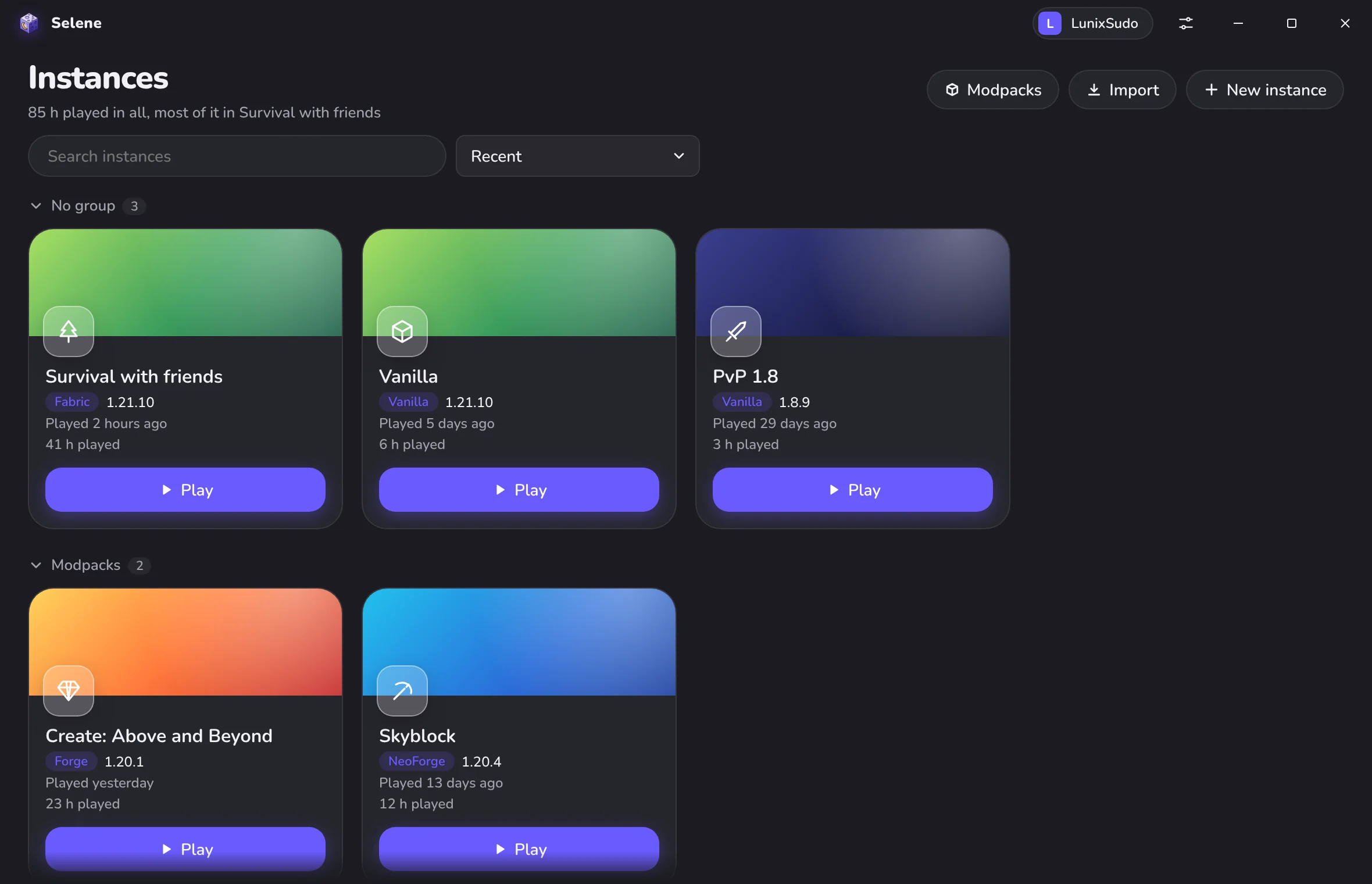
A Minecraft: Java Edition launcher for licensed accounts. It installs mods and modpacks from Modrinth and CurseForge and runs well on old PCs.
The first release is not out yet. Test builds are on GitHub.
 Selene
Русский
A Minecraft: Java Edition launcher for licensed accounts. It installs mods and modpacks from Modrinth and CurseForge and runs well on old PCs.
The first release is not out yet. Test builds are on GitHub.
You play with your own Minecraft: Java Edition license and sign in with a Microsoft account. There is no cracked mode.
Memory, Java and its flags are picked for your RAM, processor and mods. The game gets at most half of the RAM, 4 GB on an 8 GB PC, and starts on the discrete graphics card. By default the launcher closes while you play.
If Mojang, a loader site, Modrinth or CurseForge cannot be reached, files come from their official mirrors and then from public ones. Every file is still checked against the official checksum.
Modrinth and CurseForge share one search. Required dependencies are added for you, and a modpack update keeps the mods you put in yourself.
The launcher has no servers of its own, no analytics and no ads. Your sign-in is kept in the system credential store and is sent only to Microsoft and Mojang.
Every game version from the first alphas to the newest snapshots, with Fabric, Quilt, Forge and NeoForge.
.mrpack and CurseForge .zip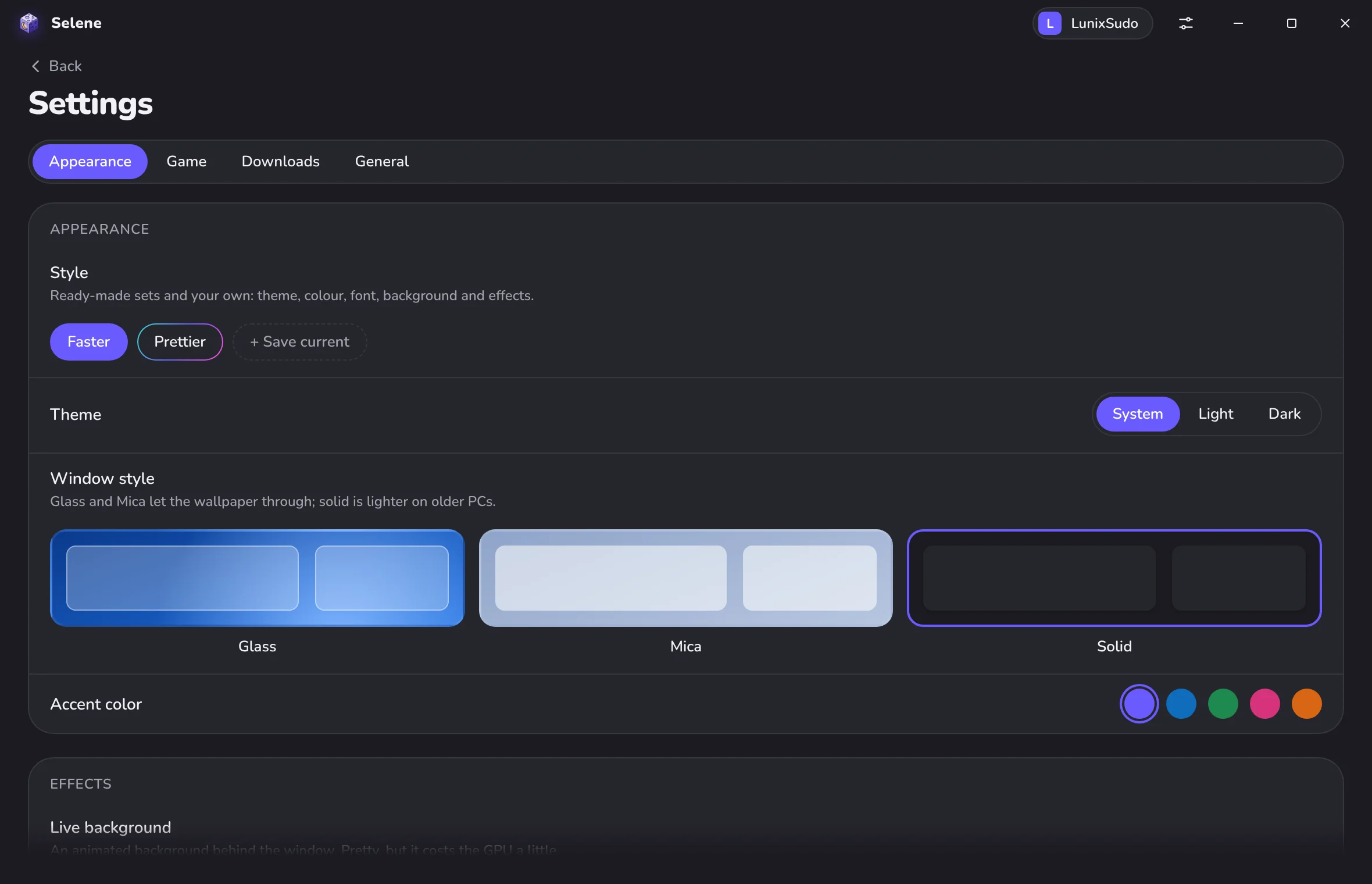
The default style has no blur and no endless animations, so it stays light on old PCs. In the settings you can switch to glass or Mica, pick a live background, a pixel font in the style of Minecraft and click sounds, and save the look as a preset.
Official builds come only from this site and the project's GitHub. Copies on other sites are not ours and may be changed.
Windows 10 or 11, 64-bit. The installer adds Microsoft Edge WebView2 if it is missing, and the launcher updates itself. The portable version keeps all its data in its own folder.
You need a Microsoft account that owns Minecraft: Java Edition. The launcher downloads Java itself. The Windows installer is not signed yet, so SmartScreen may warn about it.
The launcher collects nothing. The privacy policy lists every service it talks to, what it sends there and why.